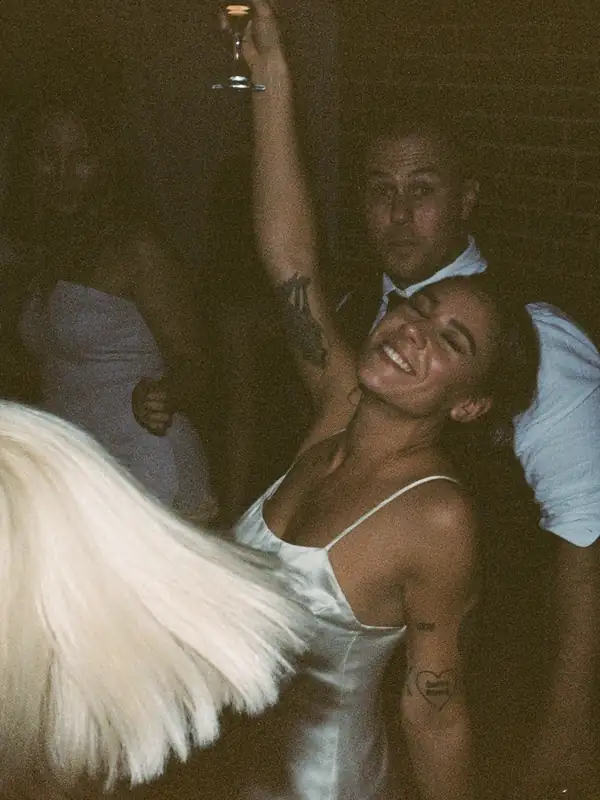
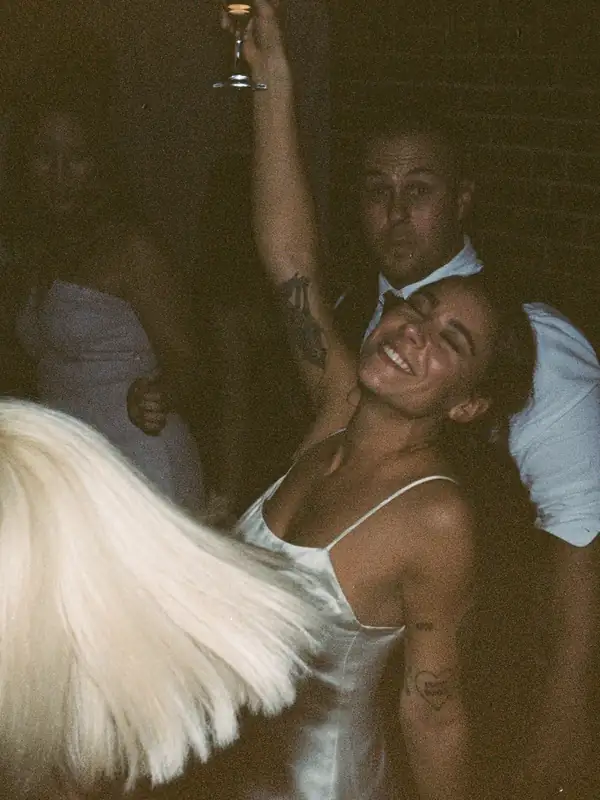
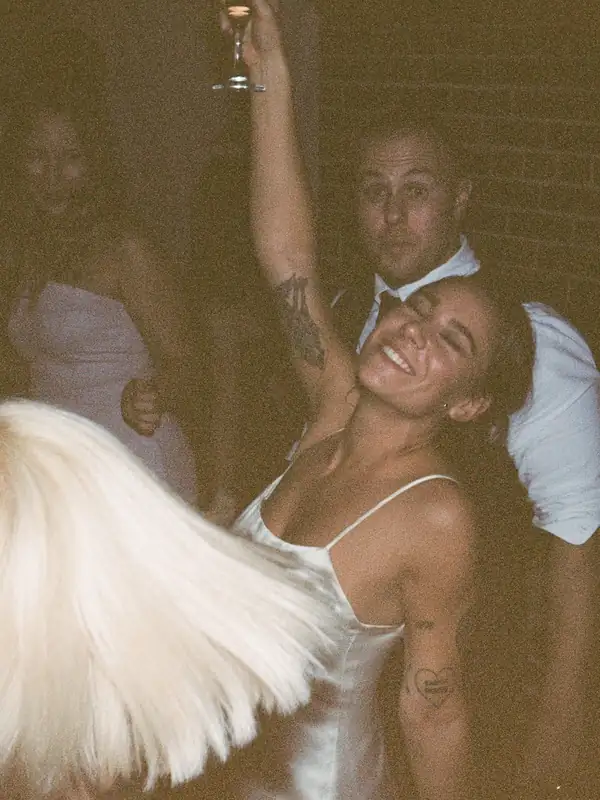
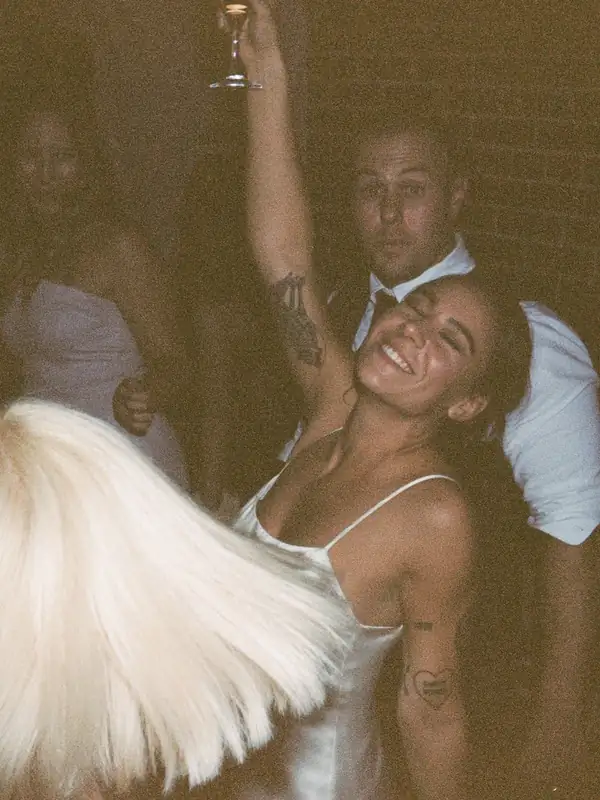
fourfold Get the app

Wigglegram app for iPhone and iPad Four lenses. One loop. No flicker.

fourfold turns the four frames from a Nishika N8000, Nimslo 3D or any stereo film camera into a smooth wigglegram. Tap your subject and every frame locks to it.

Download on the App Store

Free to try · $4.99 once · No subscription

Nishika N8000 · 35mm

Exported from fourfold

Straight from the app

Shot on film. Locked in fourfold.

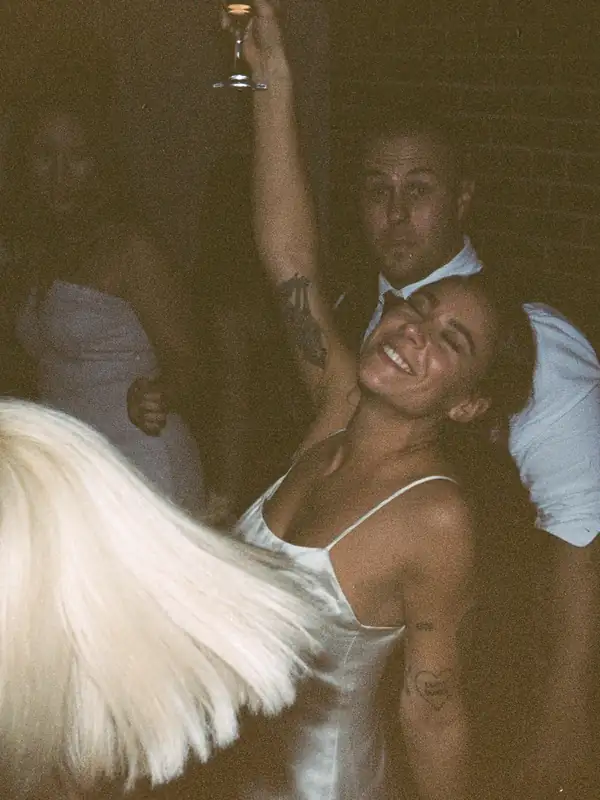
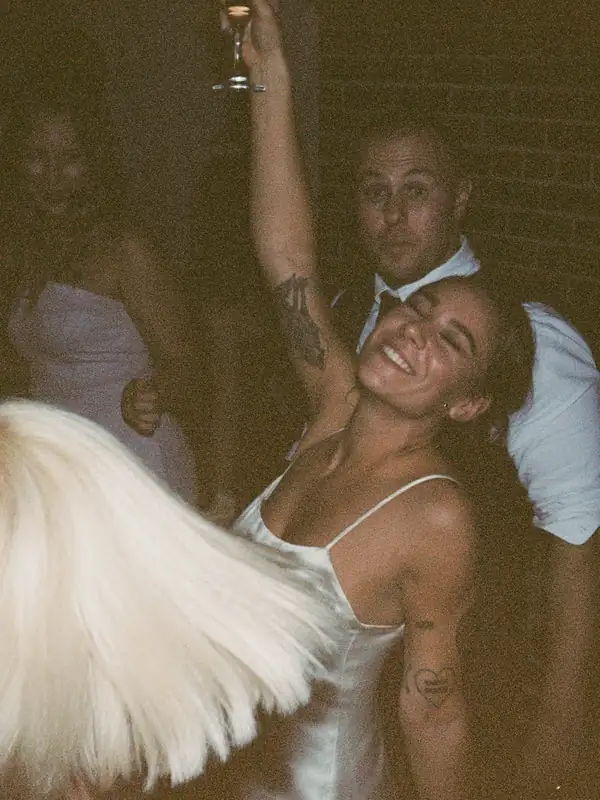
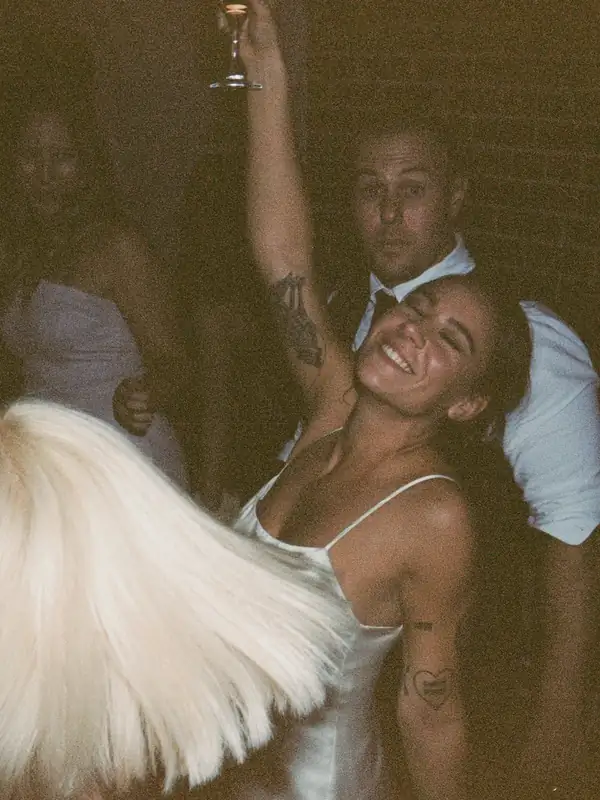
Real rolls, real scans, no stock. Each loop is four half-frames from one click of a four-lens camera, aligned on the subject and balanced so nothing pulses.

Vivid look
4K video
Locked 4/4

How it works

Four steps, in lens order.

Red brings frames in, yellow locks them, green develops, blue exports. The app runs left to right, like the lenses on the camera.

01 · In

Bring in a roll.

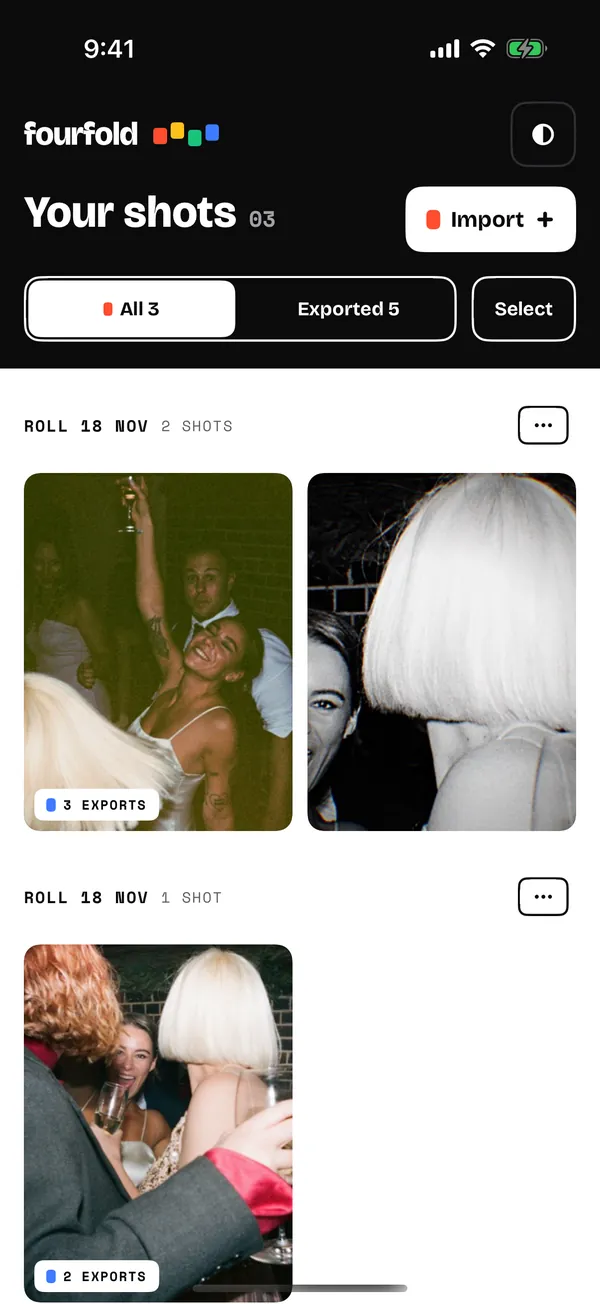
Import from Photos or Files, paste a Dropbox, Google Drive or WeTransfer link, or scan negatives on a light pad with your iPhone camera. fourfold finds every frame, turns sideways scans upright and groups them into shots.

One frame per file
Pairs
Strips
Whole lab sheets

With or without film borders

fourfold on iPhone: the library, with shots grouped by roll and an Import button.

02 · Lock

Tap once. Locked.

A wiggle needs one point that holds still. Tap your subject and all four frames lock to it, so the loop turns around the thing you care about instead of jittering.

Frame from lens 1.
L1
Frame from lens 2.
L2
Frame from lens 3.
L3
Frame from lens 4.
L4

4 frames · 4 lens

Hold for a magnifier · 2-point for rotation

03 · Develop

Even out the colour. Then make it yours.

Four lenses rarely expose alike, and scans drift, so a raw wiggle pulses. Auto Balance matches colour and exposure across the frames. Dust that shows in only one frame gets healed. Drag across the picture to compare.

  • 15 film looks
  • Light and colour
  • Colour wheels
  • HSL
  • Grain
  • Vignette
  • Chromatic aberration
  • Film borders
  • Crop to any aspect
  • Bounce, cycle or your own order
  • Smooth in-between frames
The raw frames playing without Auto Balance: the exposure jumps between lenses.
The same frames with Auto Balance: steady colour and exposure.
Raw scansAuto Balance

Balance · Strength 100

04 · Out

Export anything.

One shot, every format. Exports render on your phone, keep living with their shot, and run in the background while you lock the next one. Develop a whole roll at once and save a contact sheet.

Upscale to 4K with Apple's on-device model, or choose Plain to keep nothing but your film.

1080 · 8 FPS

SAVED TO PHOTOS

Saved. Go show someone.

GIF

Wiggle GIF

Small, medium or large, with an option to fit under 8 MB for messages.

Video

Up to 4K

HEVC or H.264, timed to loop seamlessly. 9:16 for Stories.

A red-cyan anaglyph exported from fourfold, made from the same party shot.Red-cyan 3D

Live Photo

Live Photo

Press and hold in Photos, or set it as a wallpaper.

Spatial

Spatial photo and video

For Apple Vision Pro, made from your stereo pair.

Print

Lenticular

Print-ready interlaced TIFF, plus side-by-side stereo.

Roll

Contact sheet

Every shot on a roll in one PDF, roll details written into your files.

iPhone and iPad

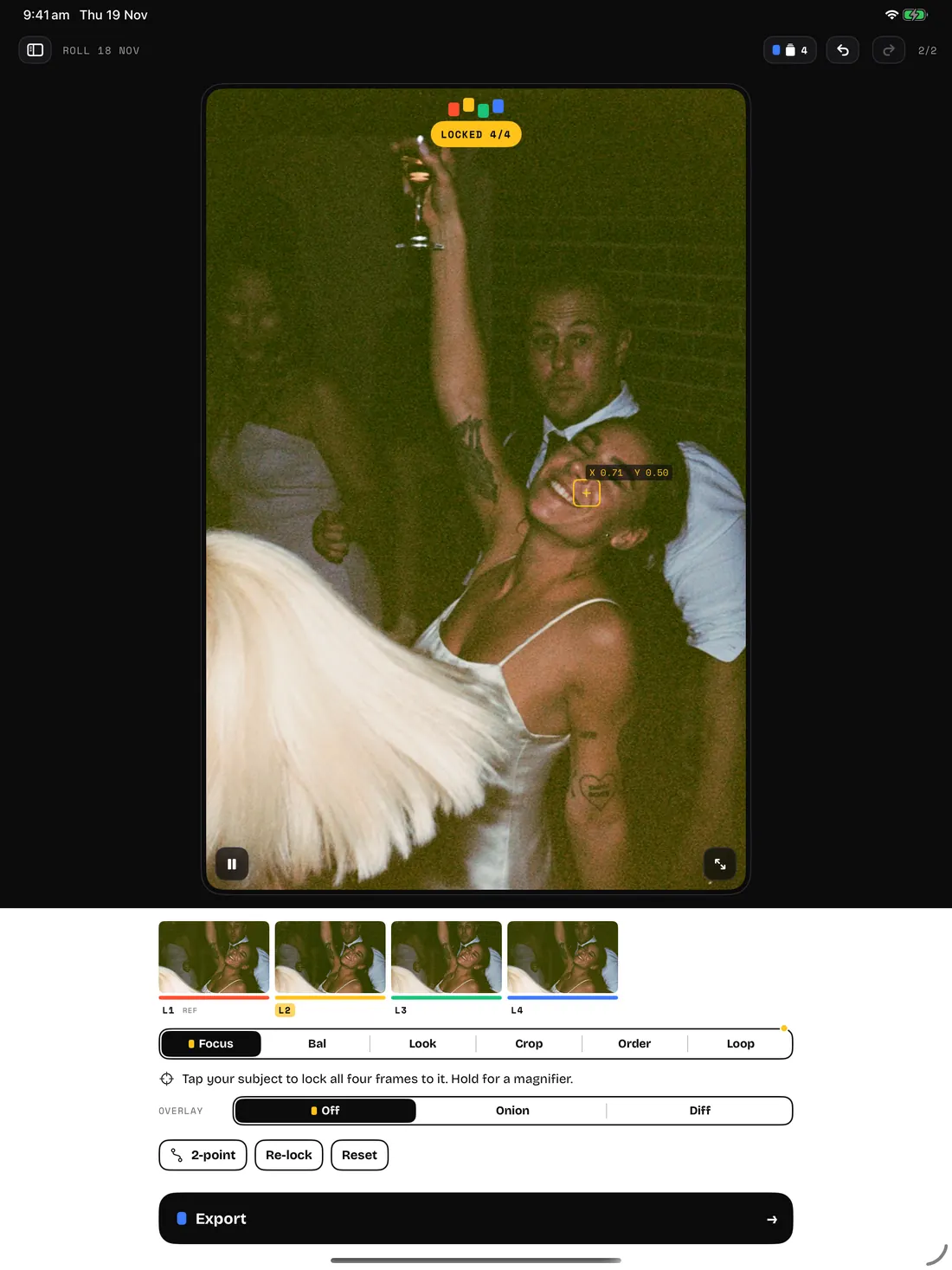
A bigger stage on iPad.

On iPad your roll, the stage and the tools sit side by side. On iPhone, everything fits under one thumb.

Make a Wiggle from Shortcuts, or send scans to fourfold from any app with the share sheet.

fourfold on iPad: a dancing couple on the stage with the yellow LOCKED 4/4 chip, frames L1 to L4 below.

Cameras

Made for four-lens film. Fine with three or two.

The Nishika N8000 and N9000 and the Nimslo 3D put four half-frames side by side on 35mm film, one per lens, all from a single click. fourfold knows those layouts and has profiles for 3-lens and 2-lens stereo cameras too.

Nishika N8000

4 lens · 35mm

Nishika N9000

4 lens · 35mm

Nimslo 3D

4 lens · 35mm

3-lens cameras

3 lens

2-lens stereo

2 lens

Shooting something else with more than one lens? If the frames sit side by side on the scan, fourfold can usually find them. Regroup frames, set the start, or drag frame edges by hand when a lab sheet is unusual.

Guide

How to make a wigglegram

A wigglegram, also called a wiggle GIF or wiggle stereoscopy, plays the frames from a stereo camera in a quick back-and-forth loop. Each lens saw the scene from a slightly different spot, so your eyes read depth with no glasses at all.

  1. Shoot with a multi-lens camera.

    Load 35mm film in a Nishika N8000, N9000, Nimslo 3D or another stereo camera. Put your subject a few metres away with something in front and something behind: layers of depth are what make the wiggle.

  2. Develop and scan.

    Ask the lab to scan every frame, in whatever layout they use. Or scan the negatives yourself on a light pad with your iPhone; fourfold inverts them.

  3. Import the roll.

    fourfold finds the frames, turns them upright and groups each set into a shot. Pairs, strips and whole sheets all work.

  4. Align the frames on one point.

    This step makes or breaks a wigglegram. Pick the point that should stay still, usually your subject's eyes, and tap it. Every frame shifts so that point lines up, and everything nearer and farther turns around it. Add a second point if the frames are rotated.

  5. Even out the colour.

    Lenses and scans never match exactly, and the loop flickers when they don't. Auto Balance matches colour and exposure across the frames.

  6. Choose the loop and export.

    Bounce (1-2-3-4-3-2) is the classic wiggle; around 8 frames a second feels lively. Export a GIF, a video or a Live Photo and send it to someone.

Price and privacy

Price

Free to try. $4.99 once.

Everything is free for 3 days, exports included. After that, one purchase unlocks exporting for good. No subscription, and Restore purchase brings it back on a new device.

Privacy

Stays on your phone.

No account, no tracking, no analytics. Every frame is processed on your device. Privacy policy

Questions

Help when you need it.

Scanning tips, supported layouts, export formats and purchases, answered in one place. Support

Four lenses.
One loop.

iPhone and iPad · iOS 18 or later

Get fourfold